Visual Design & Front-End Development Minor

Exploring 3D animation, motion graphics and projection mapping through self-directed learning.

Inspired by VJ culture, live festival visuals and immersive projection mapping.

Scroll to explore the sprints ↓

About the Minor

This minor gave me the freedom to focus on the creative visual skills I've always wanted to explore, especially 3D animation, motion graphics, and front-end development.

Instead of following a fixed path, I worked through self-directed sprints where I could experiment, test ideas, and learn by doing. A big part of this journey was understanding how visuals can leave the screen and exist in physical space, mainly through projection mapping and live visual setups.

Throughout the process, I focused on exploring tools like Blender and After Effects in a practical way, learning through trial and error and gradually building more complex and expressive visuals.

Sprint 1

Foundations in Motion & 3D

The first sprint focused on building a foundation in both After Effects and Blender.

In After Effects, I experimented with psychedelic motion graphics, exploring color, rhythm, looping animations, and visual intensity.

In parallel, I started learning Blender from scratch, focusing on basic 3D concepts such as modeling, lighting, materials, and simple animation.

Psychedelic animation in After Effects
Psychedelic motion graphics in After Effects
3D octopus tentacle animation in Blender
Process image 1
Process image 2
Process image 3
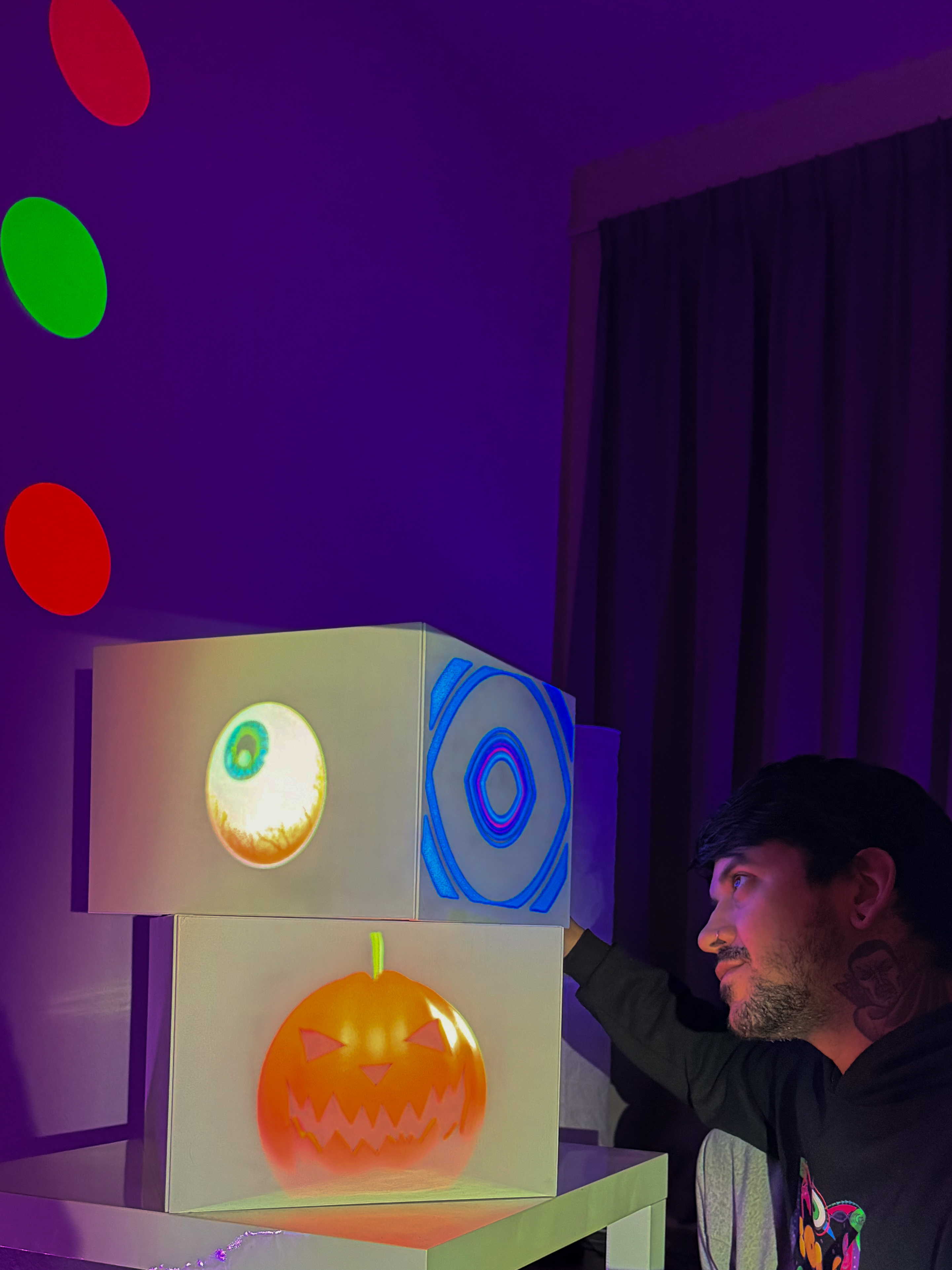
Live projection mapping in real space
Live projection mapping with Resolume
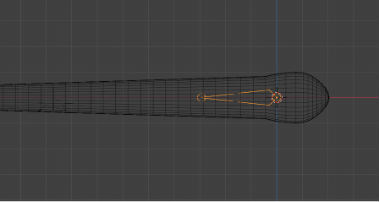
Organic worm animation — Blender exploration

Sprint 2

Blender Exploration & Projection Mapping

In the second sprint, I went deeper into Blender, increasing the complexity of my 3D animations and experimenting with more organic forms.

At the same time, I started learning Resolume, a software widely used for projection mapping and VJ performances.

The goal of this sprint was to understand how digital animations behave when projected onto real-world surfaces, using a beamer and a physical projection setup.

Projection setup with beamer
Additional projection test
Back to Home